You can add or remove Mako Support employees on your domain in a couple of steps to grant Mako employees temporary access to assist with product support.
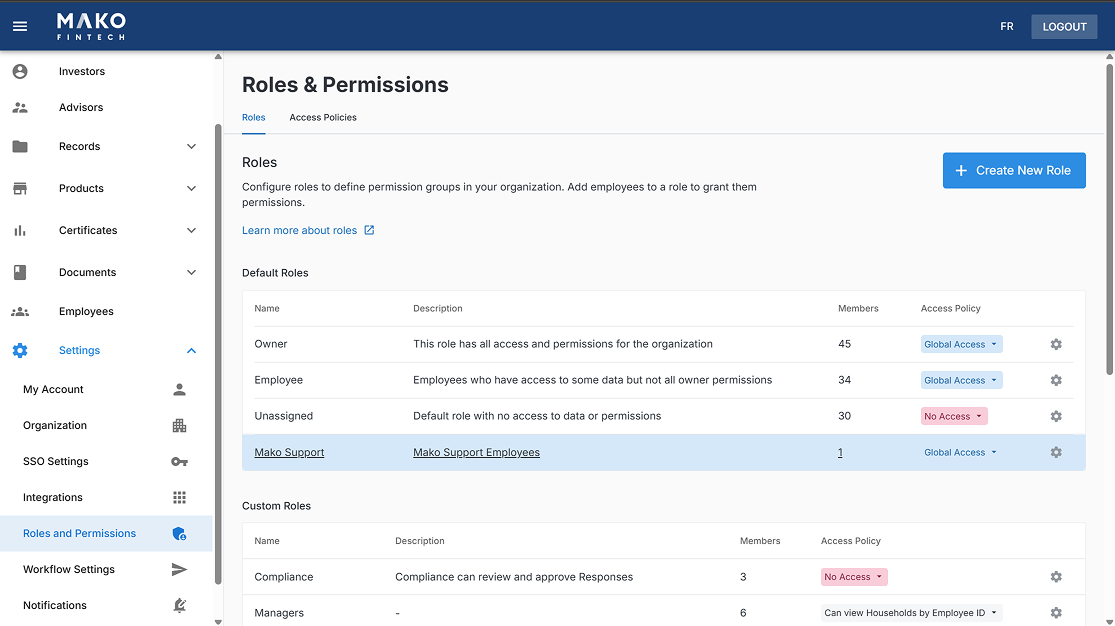
From the main menu, select Roles and Permissions and select Mako Support under Default Roles
On the Members page, click Add Member in the top right corner and click Create a new employee
.png)
Enter the email address of the Mako employee you want to grant access to and fill in any other required fields
Click Create
From the main menu, select Employees and search for the Mako employee you want to remove
On the right side of the table select the delete button next to the employee you want to remove
